Intro to unit tests and evals for your AI project

Posted by
Latest Posts
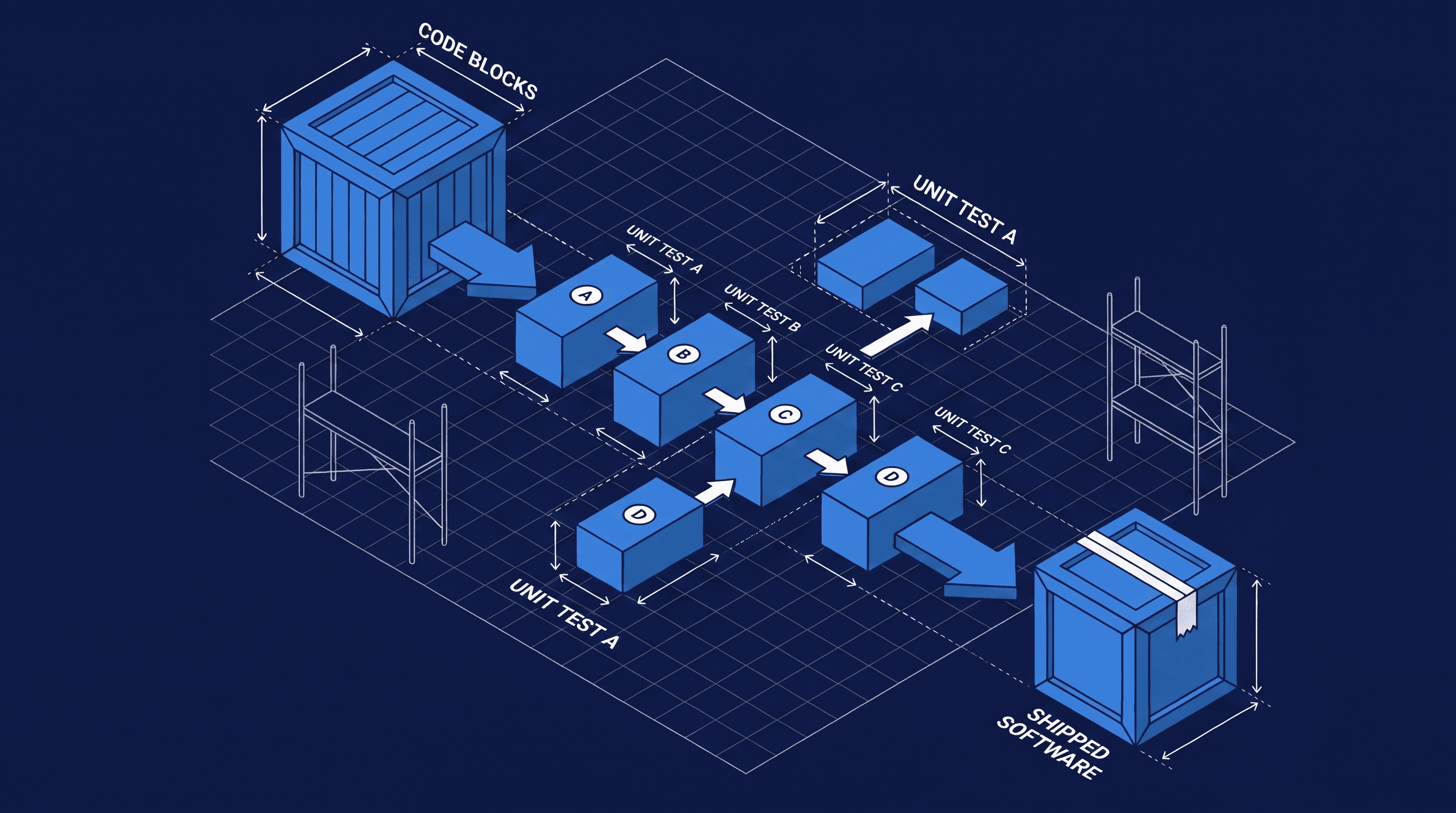
If you're building software with AI, two things will save you from most of the pain: unit tests and evals. When we built Sabi, our AI assistant, the test suite grew to 1,600+ unit tests almost without us noticing. A couple of friends asked me how we keep everything from breaking while using AI agents to write most of the code. So, here’s a quick guide!
Start with unit tests
A unit test is a small, automatic check on one piece of your code. Think of a smoke detector: it sits there quietly, and the moment something starts burning, it goes off.
A unit test does the same for a function in your app.
- "When a customer signs up with a bad email, reject it."
- "When an invoice is $0, don't send it."
Why this matters when you build with AI: a coding agent moves fast and touches a lot of files. When it changes one thing, it can quietly break another, and you won't see it but, the customer will. With tests in place, the agent runs full check of all tests after every change and catches its own mistakes. Our 1,600+ tests on Sabi run in about 8 seconds. That's 1,262 smoke detectors checking the whole house in the time it takes to sip your coffee.
Add evals for the AI part
Evals are like unit tests but for the AI functionalities in your app. If you use AI models to process data, create responses for users, etc evals setup a way to test what the AI’s response should be.
All your unit tests can pass and your AI feature can still be wrong. Unit tests check code, and code is predictable. Ask a model the same question twice and you might get two different answers.
An eval sends a realistic request through your real AI setup (the real prompt, the real model) and grades the response. Not "is this output exactly equal to X," but "did the AI do the right kind of thing."
On Sabi, our evals check things like
- when a customer asks about their email, does the agent route to the email assistant?
- Is the reply plain text with no formatting junk, since it's going to iMessage?
Agents are fragile: a small wording change that fixes one behavior can quietly break three others. Evals turn "I think the agent still works" into "I ran 20 real scenarios and they all passed." They also make model upgrades easy. When a new model comes out, you run your evals against it and know if it's safe to switch.
Ask your coding agent to set both up
You don't write these yourself. You ask your coding agent to. Here's a prompt that works well for the first batch of unit tests:
Set up a test framework for this project and write unit tests for the core business logic: the code that handles money, user accounts, and anything that talks to external services. Focus on the cases that would hurt if they broke. Add a single command that runs all tests, and from now on, run the tests after every change you make.
And here's one for basic evals:
Create a small eval suite for the AI features in this app. Write 10 to 20 test cases based on real requests users would make. For each case, send it through the real prompt and model, then check the response did the right thing: correct action taken, correct tone and format. Make it a separate command from the unit tests, since these cost API credits, and print a pass/fail report.
That second detail matters. Unit tests are free and instant, so they run constantly. Evals call a real AI model, so each run costs a little money. Ours cost about $1 per run, cheap enough to run often, but worth keeping noting.
Run on every PR
The last piece is making the checks automatic, so nothing ships without passing. We use GitHub Actions, which is free for most projects and built into GitHub. Ask your agent to "set up a GitHub Actions workflow that runs lint and all unit tests on every pull request." From then on, every proposed change gets checked automatically, and a failing test blocks the merge.
how this looks in practice:
- your agent writes code
- the tests run on their own
- problems surface before you publish as a red X on the pull request.
- You review what the change does, not whether it secretly broke something.
As always, if you have questions, send me a reply!
AI-First App Founders
Don't miss a post
Practical notes on building AI-first apps from the Inovo team.