How to vibe code like a Pro with Devin

Posted by
Latest Posts

The two possible routes for AI development
When it comes to development workflows in 2026 there are really two ways to go. You can work locally with Claude Code, Codex, or in the terminal in your favorite IDE.
Alternatively, you can use a Virtual Machine (VM). This means you have to manage a virtual cloud computer and SSH into the machine to prompt with Claude / Codex — If you don’t know what any of that means, then these are NOT the right options for you!
I have experimented with various ways of both, but by far my favorite solution to date is using Devin.ai . It gets you all the power of the options above but in a “Managed Platform”. You plug in your code and tools and let it do the rest.
Here’s my guide on how to set up this development workflow with Devin without wasting time.
Before you jump in…
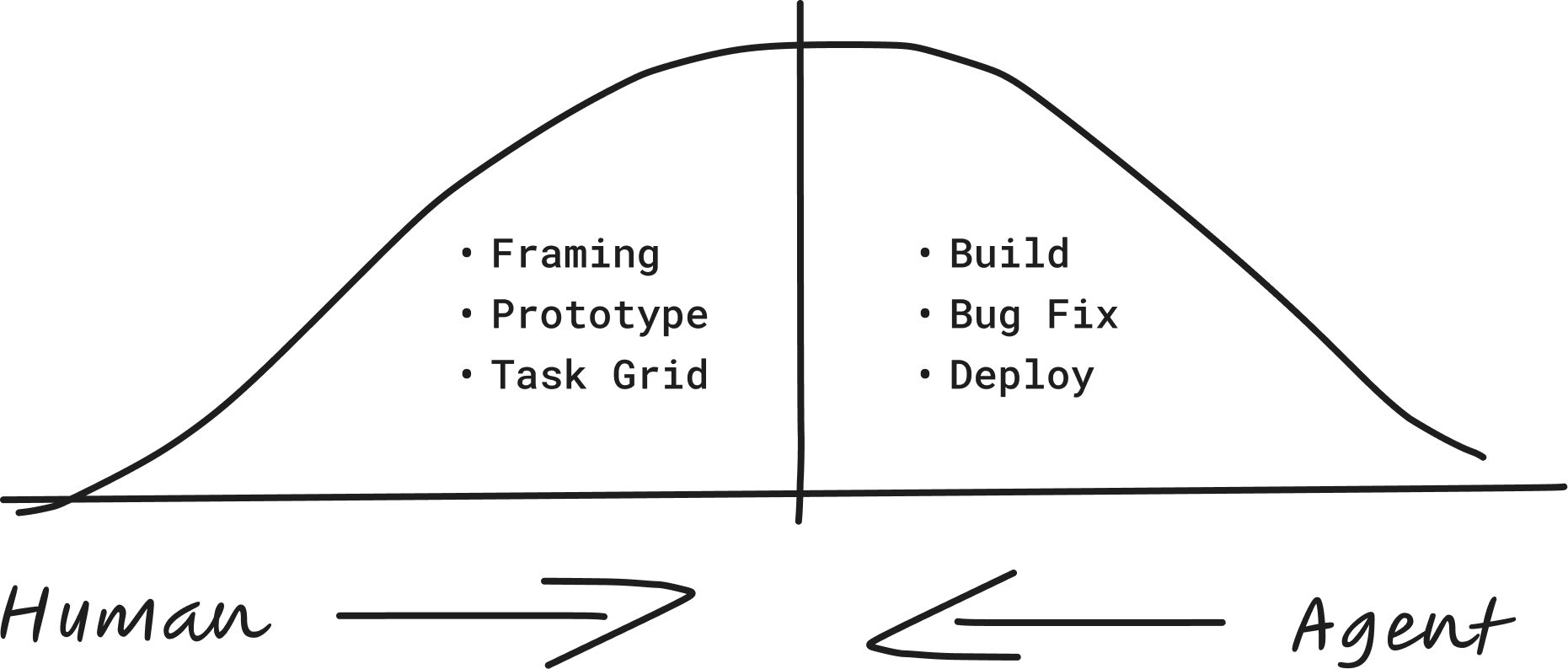
Building apps in 2026 is a constant dance between Human + AI working together.
Our team invested months of deep dive sessions with Ryan Singer (author of Shape Up), learning how to frame, shape, and design incredible products. On the other hand we are leveraging all the latest and greatest AI workflows.
We put all that training into a free course. Check it out here AI Builders Course
1. Getting started with Devin
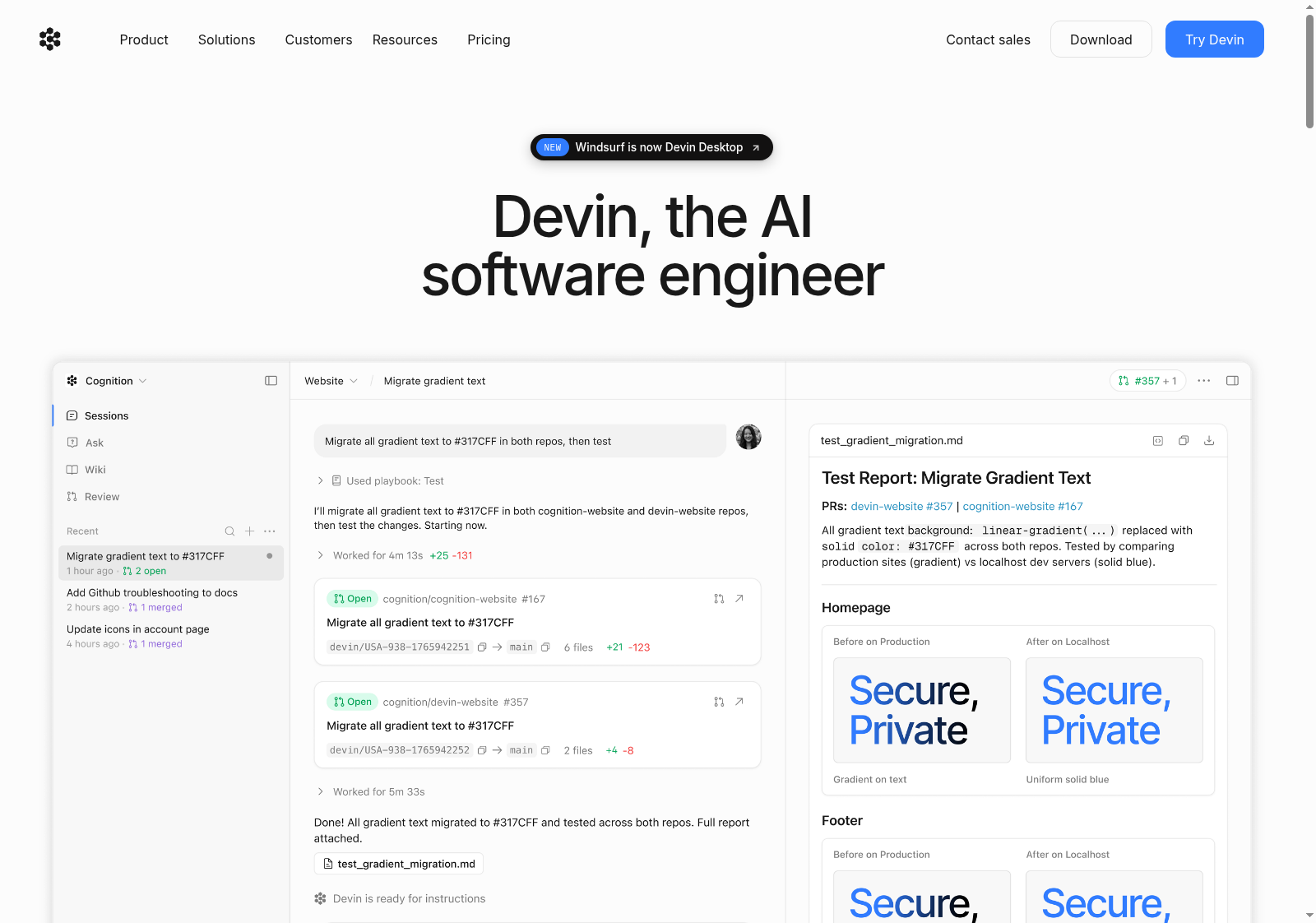
Over the last 2 months, Devin has become my main development platform. We would recommend for any founder. It's not another AI app builder too, but rather a managed AI Harness for you to build and ship products safely. It reads your projects, plans the work, writes code, tests it, and opens a PRs for you to review.
Here’s why I love it:
- It runs virtually in the cloud, not on your machine. Your laptop is free while it works.
- You can monitor sessions from your phone. Kick off work, check in, and approve on the go.
- It learns over time — getting smarter at working on your specific product.
- It keeps up with the latest AI models so you don't have to.
2. Connect GitHub to Devin
Next, for every project we store and manage our code with GitHub. Simply put, this is where your code lives. You connect Github and Devin so code exists in a centralized location where every change is tracked for the lifetime off the app.
3. Leverage Supabase for backend
For new products, we use Supabase for our database, storage, authentication, and routine import jobs. Supabase is very easy for agents to connect to via API and MCP so Devin has full access to your database.
4. Use Sentry to catch Bugs / Errors
As you write code and ship it to real customers, you need a feedback loop for your agent (Devin). This provides deep insights into what is actually happening when your users use your app.
Here’s a great resource for setting up Sentry + Devin
5. Use tests as a safety net
As your app gets more complicated, it will quickly exceed your ability to test every feature before shipping. We used automated testing and continuous integration (or CI). You can ask Devin to set up these tests to run automatically in GitHub every time you make changes to the code. If a test fails, it blocks that new change from going live.
6. Human review for all changes
Never let anything go live unreviewed. Devin proposes each change for your approval before it ships. Devin Review automatically scans, reviews, and tests automatically, and you get a plain-English summary of what changed and why.
What a session looks like
- Describe what you want in plain language.
- Devin plans it, builds it, writes the tests, and proposes the change.
- You review and approve, give feedback and ask for tweaks
- You test inside Devin directly
- Sentry watches what's live. Anything that breaks goes back to Devin.
That's how you build with AI like a pro. Start with Devin, wire up the guardrails, and start shipping.
As always if you have questions, send me a reply!